FM‑1 Midi-Mania
A keyboard rhythm game for the M-VAVE FM‑1. Turn your MIDI files into songs, watch the notes fall to the keys, and play your part while the FM‑1 plays the rest.
No FM‑1 needed: in your browser, play the built-in songs or load your own MIDI files and play
them right there. Free and open source.
Have an FM‑1? The same page sends your songs to it over USB.
See it
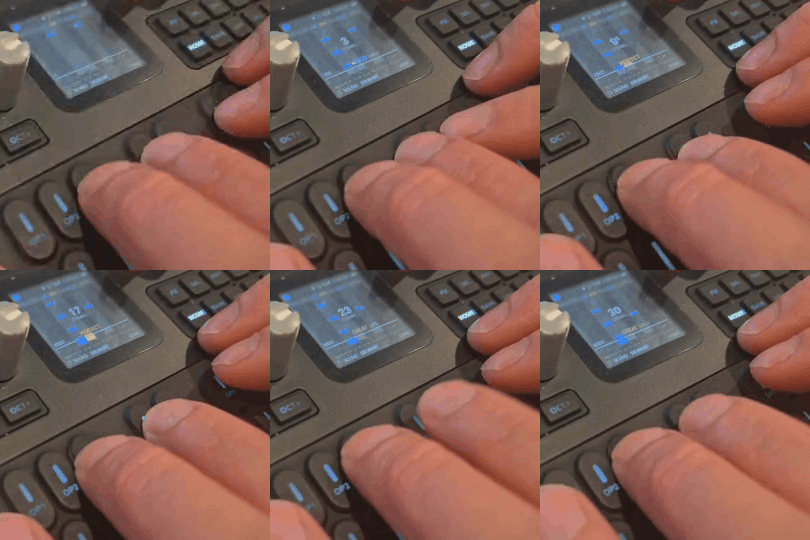
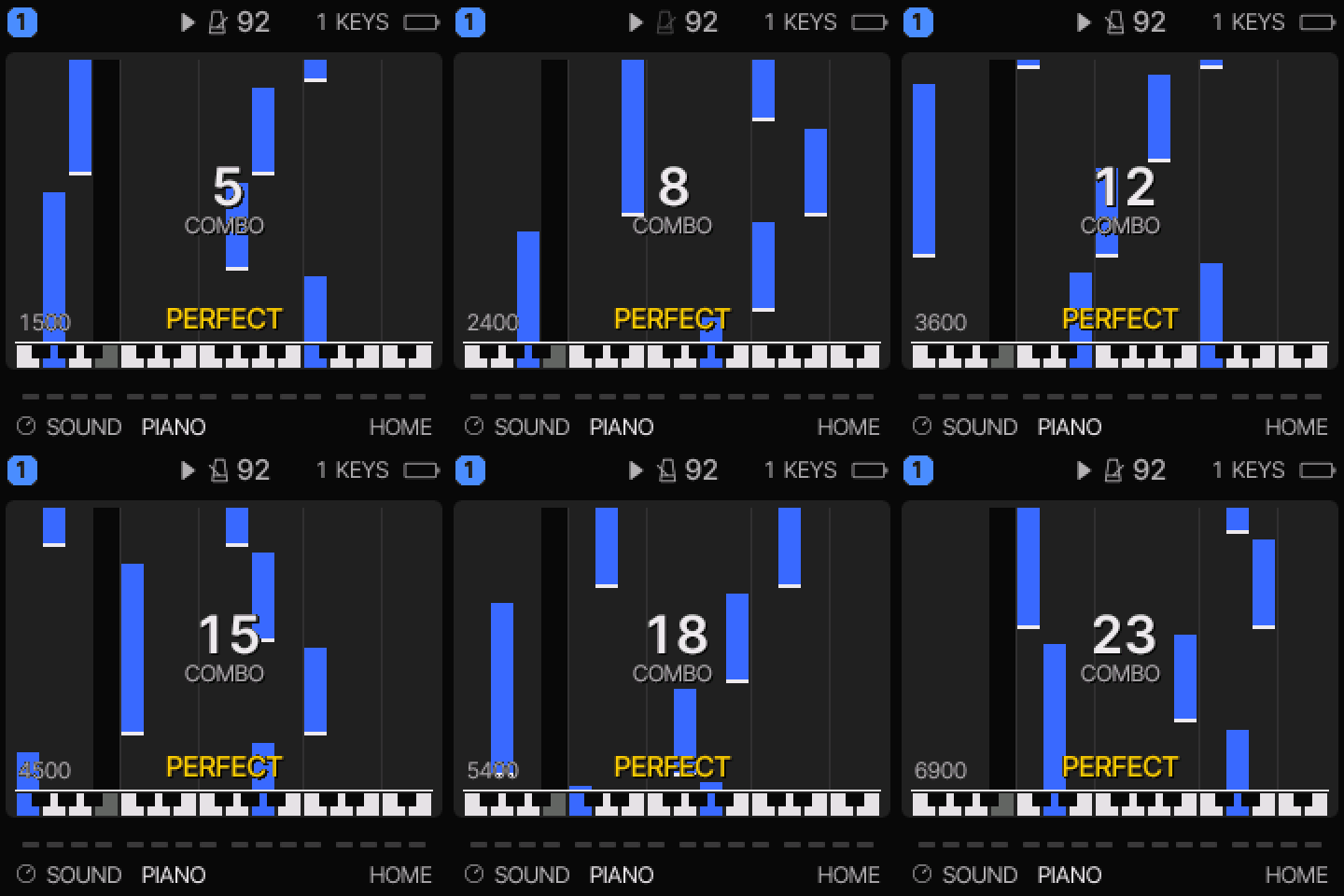
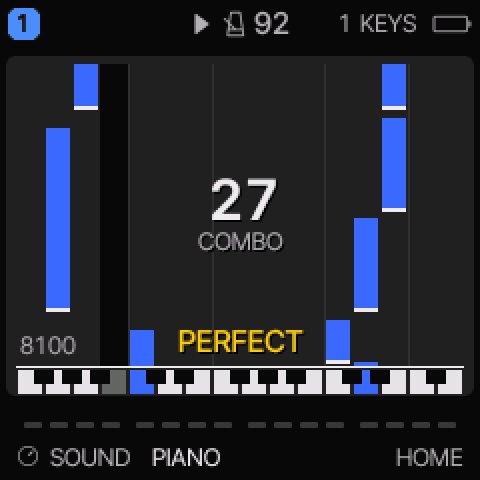
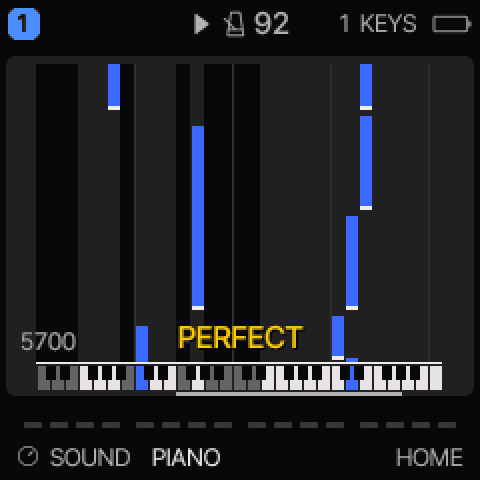
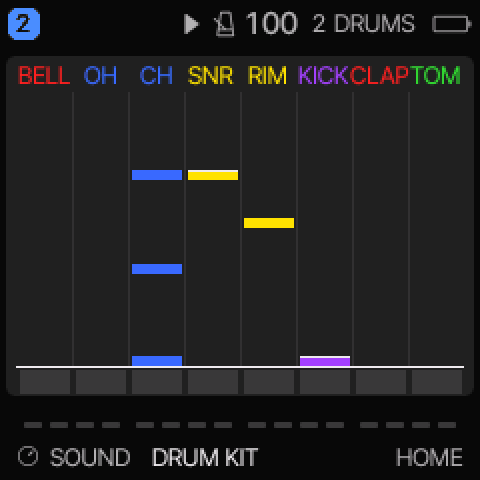
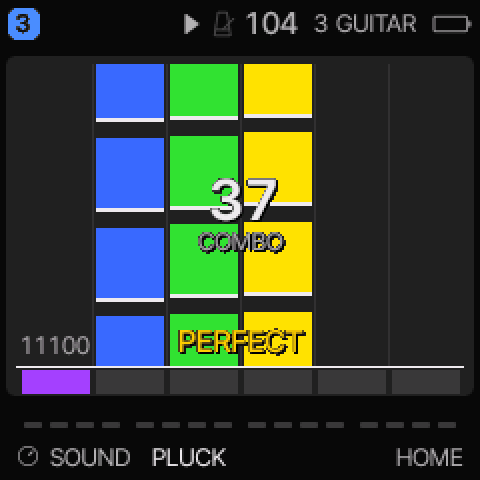
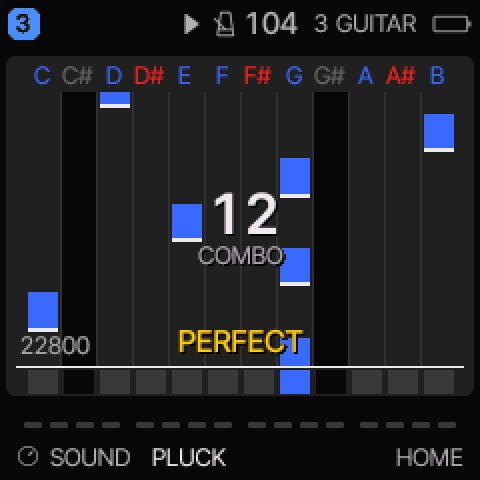
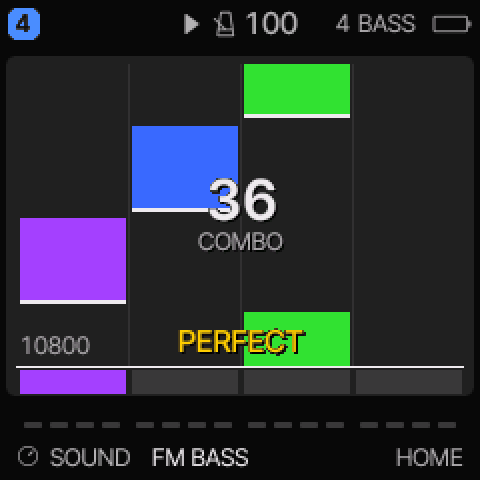
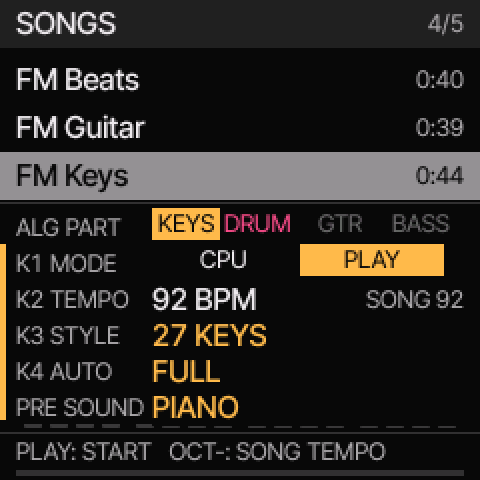
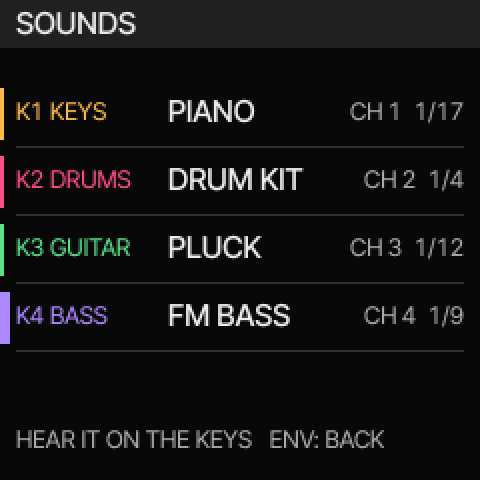
Your MIDI, onto your FM‑1
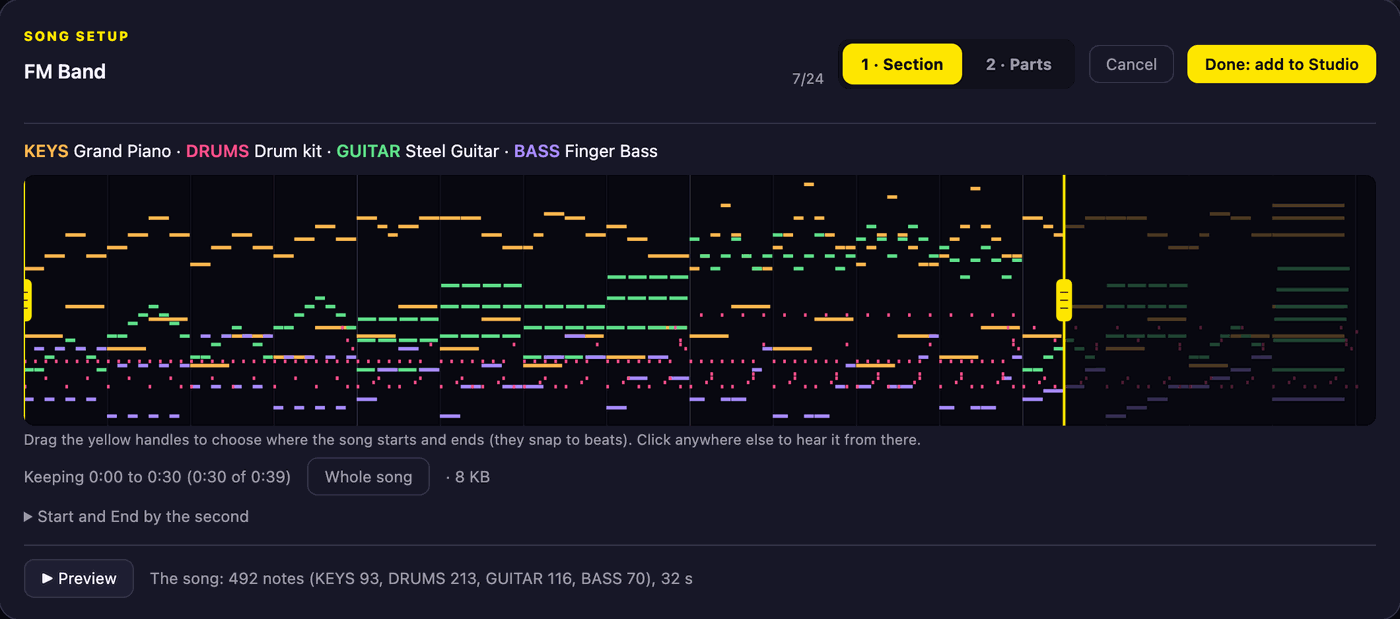
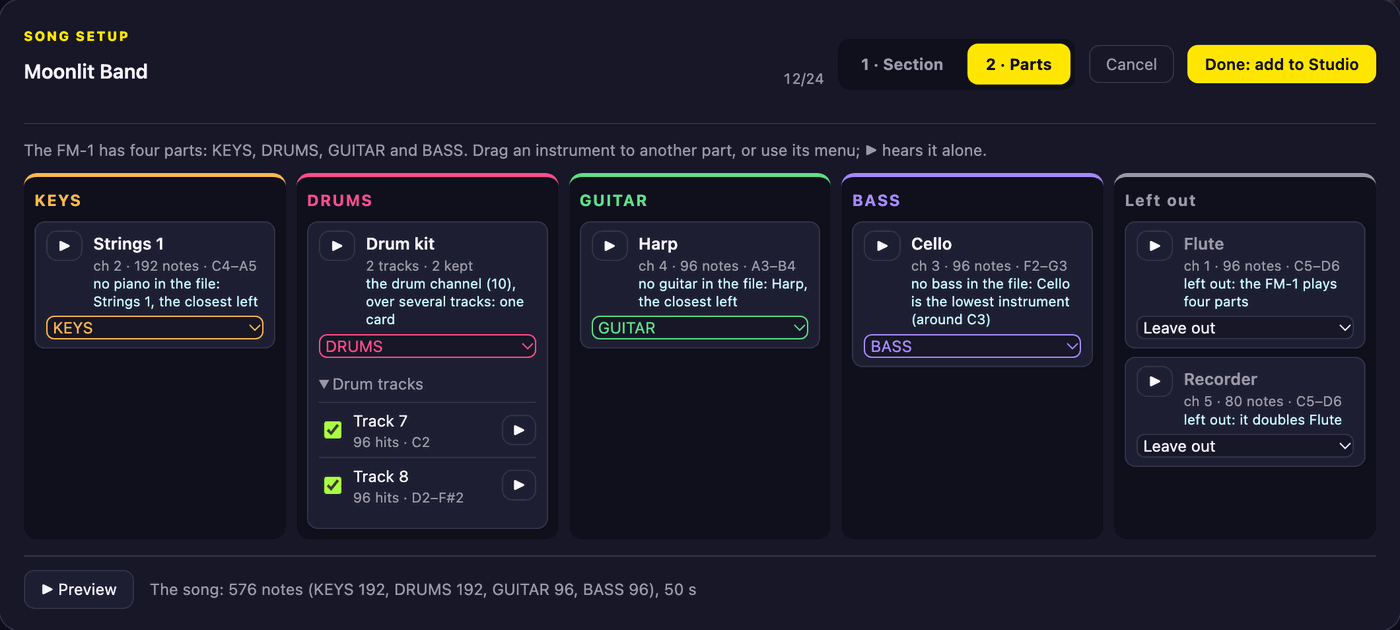
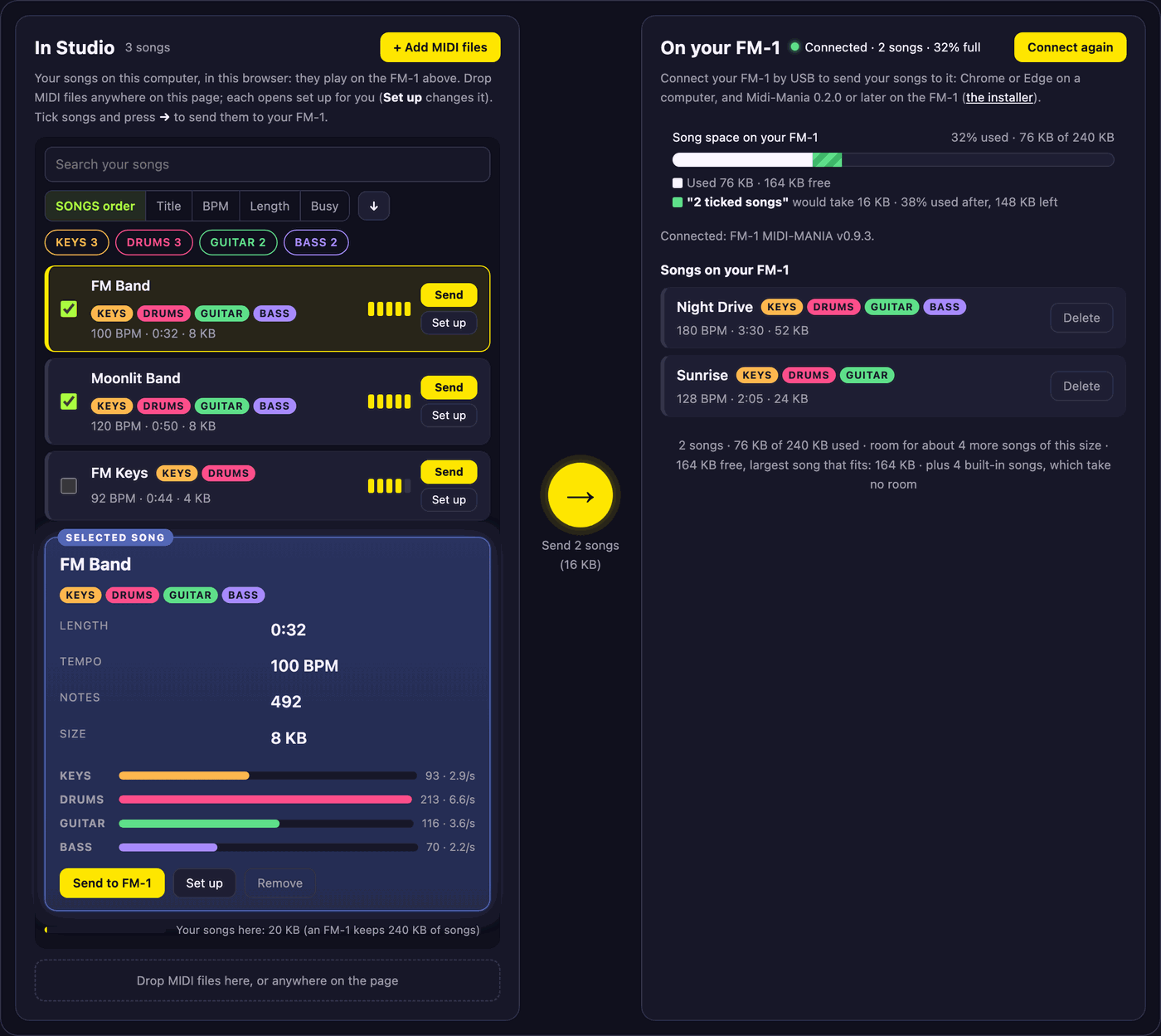
Any MIDI file can be a song. Drop it on Studio and it opens set up for you: the parts are chosen automatically, even when the file has no piano, guitar or bass, so you can send it to your FM‑1 over USB straight away, all from the browser. Want more control? It's all in the same pop-up.
What it does
Your songs, from MIDI
Drop your own MIDI files on FM‑1 Midi-Mania Studio and play them right there in your browser, no FM‑1 needed. Each is turned into a song with drums, keys, bass and guitar fitted to the FM‑1's sounds. Happy with it? Connect your FM‑1 and send it over from the same page.
Play your part
Pick keys, drums, guitar or bass. Its notes fall to a line on the screen, laid out like the FM‑1's keys, while the FM‑1 plays the rest of the song on its own synth engines.
Scored as you play
Every note is judged PERFECT, GREAT, GOOD or MISS, with a combo, a score and your result at the end. Your best for each song is kept, and a quick calibration makes the timing fair.
Songs on your FM‑1
Send up to 16 songs* to your FM‑1 over USB, delete the ones you're done with, and keep a backup of them on your computer.
Get started
- Try it in Studio The FM‑1 in your browser, running the same code as the instrument. Play the built-in songs or drop in your own MIDI files.
- Install it on your FM‑1 From Chrome or Edge, over USB. The official firmware goes back on the same page, with a backup of your songs and settings first.
- Send your songs In Studio, connect your FM‑1 and send the songs you tried. Find them in SONGS (the SEQ button).
- Play SEQ opens SONGS: pick a song, and your part with ALGORITHM. ENV chooses the instruments, a knob for each part. PLAY starts the song; play the keys as the notes reach the line.
Rather play in your browser with your own MIDI keyboard or drum kit? Try Muse MIDI DX, a rhythm game of the same idea made for the browser: connect a MIDI controller (or use the computer keys), load a MIDI file and play along, scored.